Why Secure Large File Transfer Remains a Challenge for Modern Organisations (Webinar)
By Richard Bourne | 23 June 2026
Summary
Secure large file transfer is becoming more difficult for organisations due to email attachment limits and unmanaged file-sharing tools. These approaches can create security, visibility, and compliance risks when files leave organisational control. This article explains the key challenges and why integrated solutions within tools like Outlook are increasingly used to improve secure, controlled file sharing.
.jpg&w=3840&q=75&dpl=dpl_HeHi2xhshmxJvwJSZ8aegwKTepGi)
For most organisations, email remains the default tool for sharing information. It is familiar, universally adopted, and deeply embedded in daily workflows. Yet one challenge continues to frustrate users and IT teams alike: sending large files securely.
Whether it is engineering drawings, medical records, audit documentation, legal files, reports, or multimedia content, organisations regularly need to exchange files that exceed traditional email attachment limits. In response, users often turn to alternative methods such as cloud storage links, public file-sharing services, or ad hoc workarounds.
While these approaches may solve the immediate problem, they can introduce new concerns around security, compliance, governance, and user experience.
In a recent webinar, Liverton Security explored these challenges and discussed why they developed SHIFT for Outlook, a secure file transfer solution designed to work directly within Microsoft Outlook. The discussion highlighted several broader lessons that organisations should consider when evaluating how large files are shared across their environments.
The Problem with Traditional Email Attachments
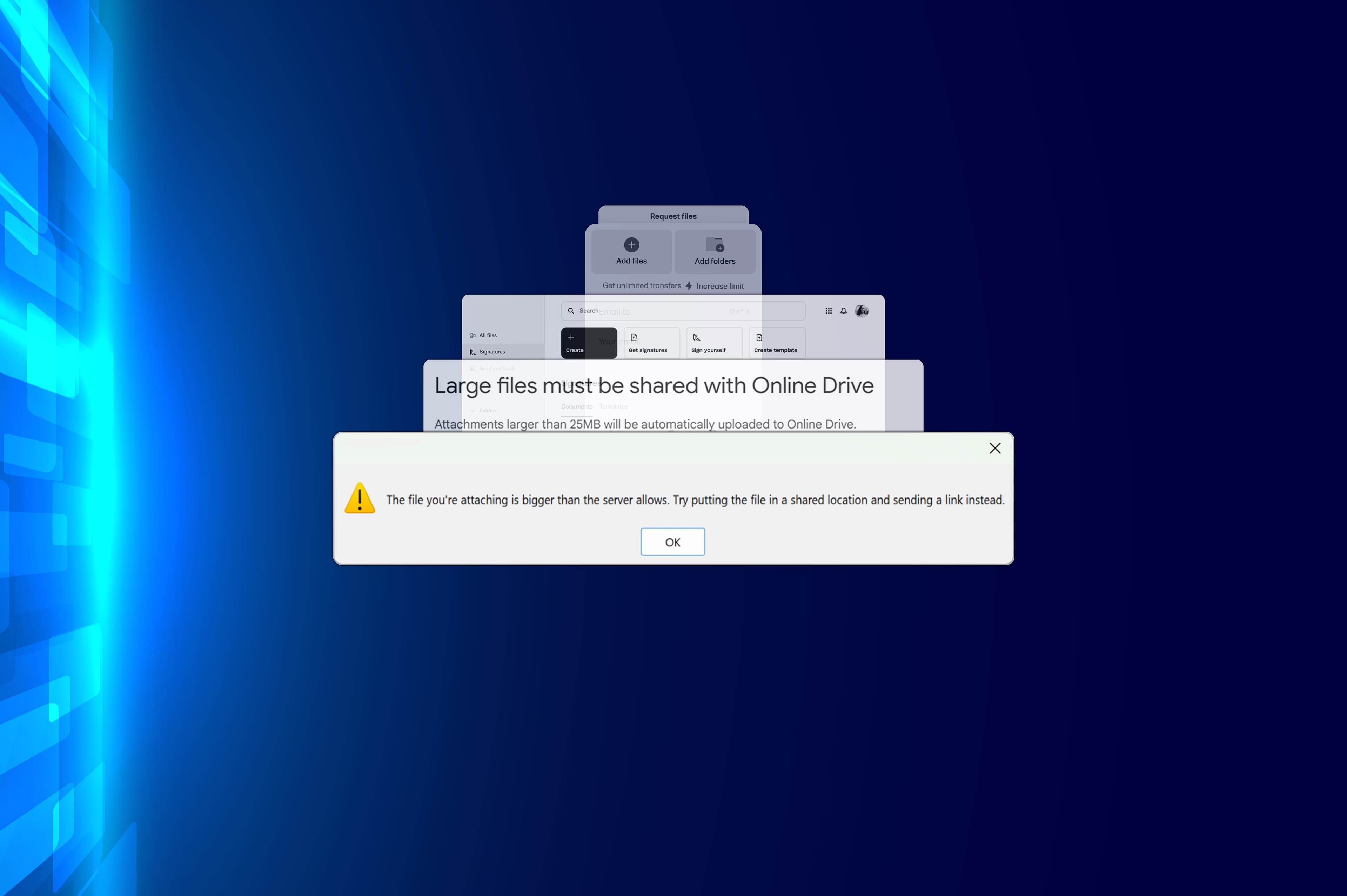
Email was never designed to be a large-scale file transfer platform. Most organisations impose attachment size limits, while external email systems often enforce their own restrictions. As files continue to grow in size, particularly in sectors such as healthcare, engineering, local government, and professional services, users increasingly encounter situations where email simply cannot accommodate what they need to send.
The result is predictable. Employees search for alternative methods to get the job done.
From an IT perspective, this creates a familiar dilemma. Users need a convenient way to share information, but the easiest solution is not always the most secure.
The Rise of Unofficial Workarounds
When standard email fails, users often turn to cloud-based file sharing platforms, public transfer services, or manually configured sharing links.
While these tools can be effective, they frequently introduce challenges around:
- Data sovereignty
- Visibility of file location
- Access control
- File retention
- Auditability
- User training and support
One of the key observations from the webinar was that many organisations lose visibility once files leave their managed environment. IT teams may know that a file has been shared, but they may not know exactly where it is stored, who can access it, or how long it remains available.
These risks become increasingly important for organisations handling sensitive, confidential, or regulated information.
Security Is Only Half the Challenge
Many file-sharing solutions focus heavily on security controls, but security alone does not guarantee success. User adoption is equally important.
If a solution is difficult to use, requires additional accounts, introduces complex workflows, or forces users to leave familiar applications, employees often look for shortcuts.
The webinar highlighted an important principle that many IT leaders will recognise: the most secure solution is often the one that users will actually use.
Rather than requiring users to learn a separate platform, the approach behind SHIFT was to integrate secure file transfer directly into Outlook, allowing file transfers to follow a workflow that feels similar to sending an email.
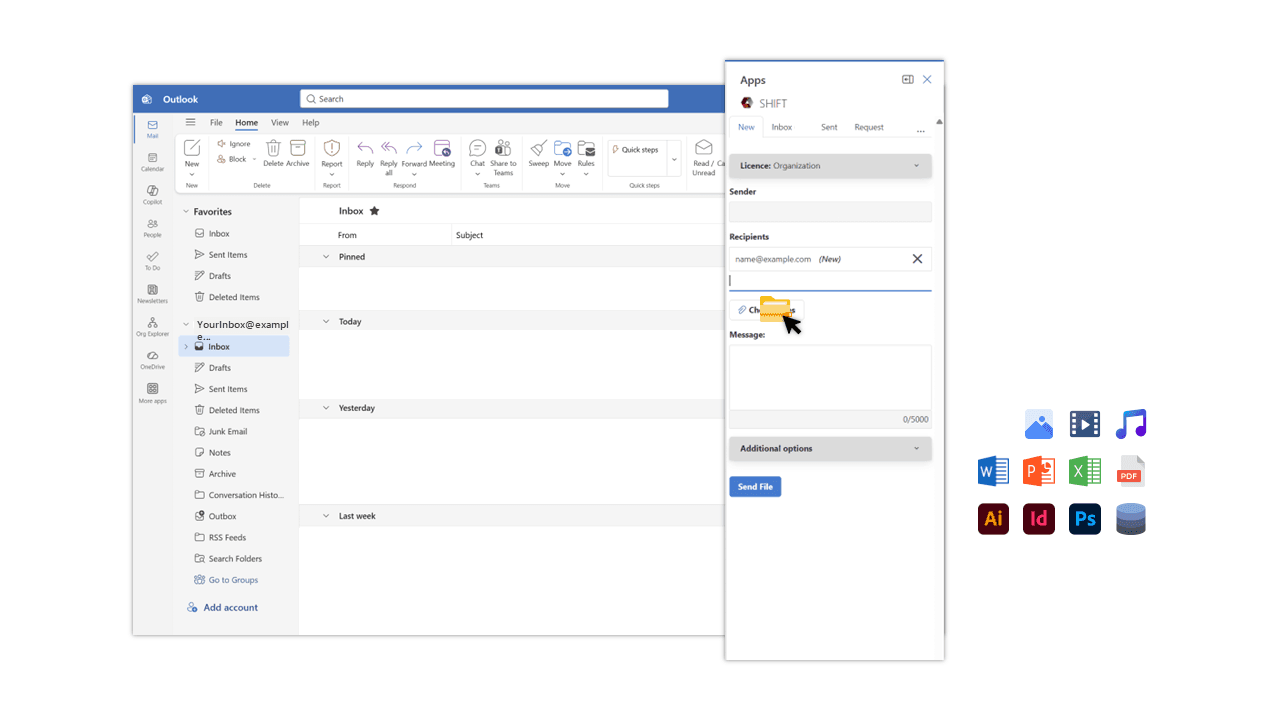
By reducing friction, organisations can improve both security outcomes and user adoption.
Why Delivery Assurance Matters
One feature discussed during the webinar was positive retrieval confirmation.
Traditional email provides limited visibility into what happens after a message is sent. Read receipts exist, but recipients can often choose whether or not to acknowledge them.
For many business processes, simply knowing that an email was sent is not enough.
Organisations may need confirmation that a recipient has actually retrieved the file being shared. This can be particularly valuable when exchanging:
- Audit documentation
- Financial records
- Compliance reports
- Legal information
- Healthcare data
- Project deliverables
The ability to verify retrieval creates a stronger chain of accountability and provides additional confidence that important information has reached its intended destination.
Managing File Retention
Another recurring challenge for organisations is file retention. Shared links are often created for a specific purpose but remain active long after they are needed. Over time, these forgotten files can contribute to unnecessary risk.
The webinar explored a different approach: treating file transfers more like temporary deliveries rather than permanent storage locations.
Examples included:
- Automatic expiry periods
- Configurable retention windows
- One-time retrieval options
- Automatic file removal after download
These controls help reduce the likelihood of files remaining accessible indefinitely and support stronger governance practices.
For organisations seeking to minimise their digital footprint and reduce exposure, retention management is becoming an increasingly important consideration.
Data Sovereignty and Infrastructure Considerations
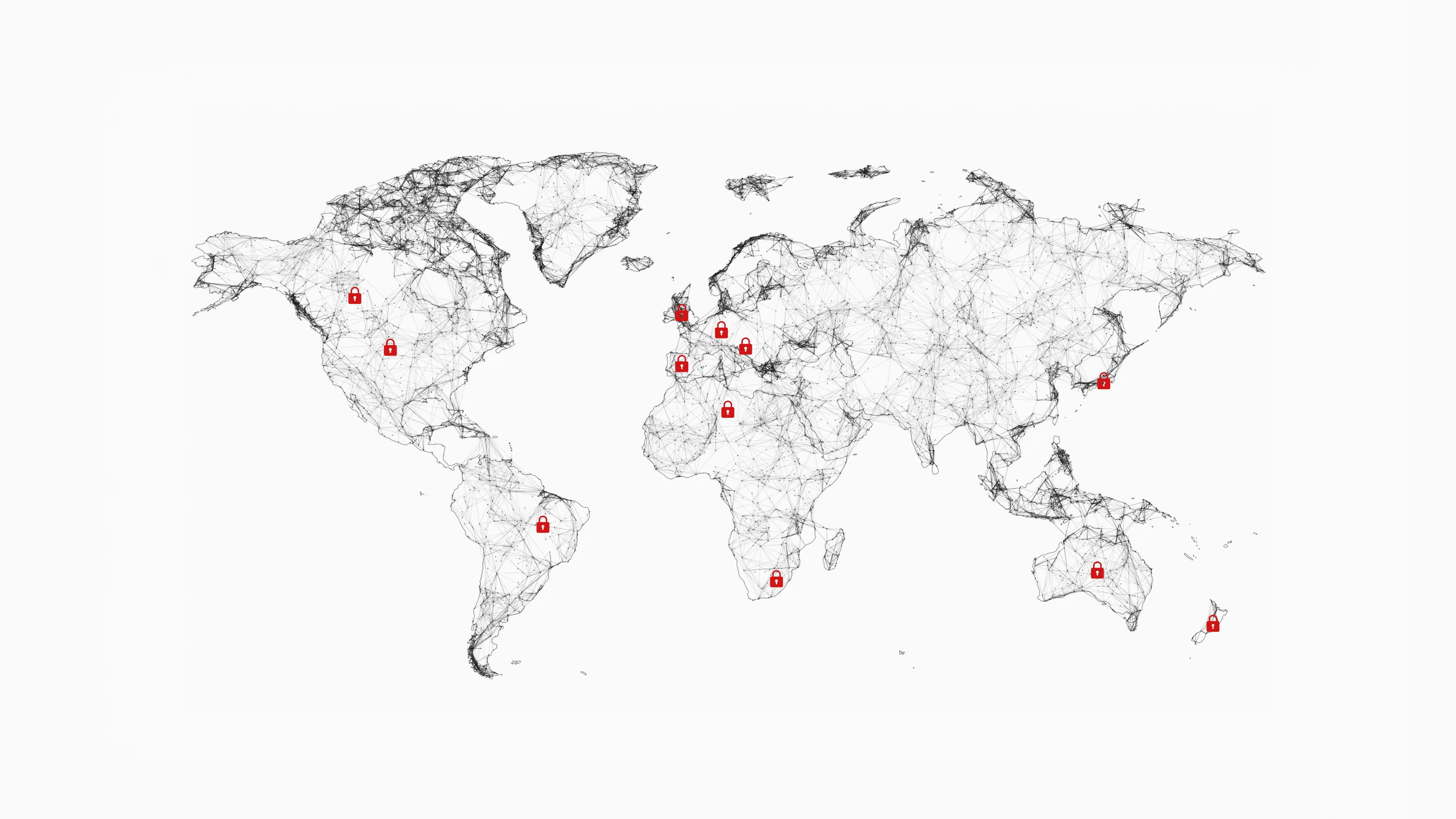
For many New Zealand organisations, where data resides is an important question. The webinar discussed Liverton Security's preference for operating infrastructure within New Zealand and providing options that give customers greater certainty about file location and management.
This reflects a broader trend across government agencies, healthcare providers, and regulated industries. Organisations increasingly want clarity around:
- Where files are stored
- Who has access
- How data is protected
- Whether infrastructure aligns with regulatory requirements
When evaluating file transfer solutions, IT leaders should carefully assess not only the application itself but also the underlying infrastructure and hosting model.
Flexibility Matters
No two organisations have identical requirements. Some prefer fully managed cloud services. Others require greater control over data and infrastructure.
A notable aspect of the webinar was the discussion around deployment flexibility. Organisations can choose to utilise shared infrastructure or deploy dedicated file server nodes that provide additional control over where files are managed.
This flexibility can be particularly attractive for organisations operating under strict security policies or specific compliance obligations.
Branding and Trust
An often-overlooked aspect of secure communication is recipient trust. Users are more likely to engage with file-sharing notifications when they clearly originate from a recognised organisation.
The webinar demonstrated how organisations can customise branding so recipients receive communications that align with their organisation's identity rather than an unfamiliar third-party service.
While branding may appear to be a cosmetic feature, it can help improve confidence, reduce confusion, and support stronger engagement with shared content.
Questions IT Leaders Should Be Asking
When evaluating secure file transfer solutions, organisations should consider several key questions:
- How easy is the solution for end users to adopt?
- Can users send files without leaving their existing workflow?
- Where are files stored and managed?
- What controls exist around retention and expiry?
- Can file retrieval be verified?
- Does the solution support organisational branding?
- Can the deployment model align with our security requirements?
- How much administrative overhead is required to manage users and licensing?
The answers to these questions often determine whether a solution becomes a valuable organisational tool or another platform that users avoid.
Final Thoughts
The challenge of securely transferring large files is not going away. As organisations continue to work with larger datasets, richer media, and increasingly distributed teams, the need for secure, user-friendly file transfer will only grow.
The key takeaway from Liverton Security's webinar is that successful file transfer solutions must balance security, governance, and usability. Focusing on only one of these areas can create gaps that ultimately undermine adoption and effectiveness.
For organisations already invested in the Microsoft ecosystem, solutions that integrate directly into existing workflows may offer a practical path forward, reducing the need for workarounds while improving visibility and control.
▸ Watch the Full Webinar
This article summarises some of the key themes discussed during Liverton Security's webinar on secure large file transfer.
To see the solution demonstrated in practice, including Outlook integration, file retrieval workflows, deployment options, and licensing considerations, watch the full webinar recording (available on YouTube).
About Liverton Security
Digital technology has greatly expanded opportunities for businesses but has also introduced complex security threats that organisations cannot ignore. Protecting people, critical data, and entire organisations requires proactive and continuous security strategies.
As an influential and respected leader in global cybersecurity, Liverton Security specialises in helping businesses and government organisations neutralise evolving cyber threats in the digital age.
Secure file sharing for organisations
To learn more about SHIFT For Outlook and how it can support your file transfer workflow, talk to our team at Liverton Security.
Talk to an Expert